The Draft Should Survive the Elevator Ride
Autosave needs an honest state model. Tell people whether their work is saved on the device, synchronized, or still waiting to reach the server.
Three different versions can exist
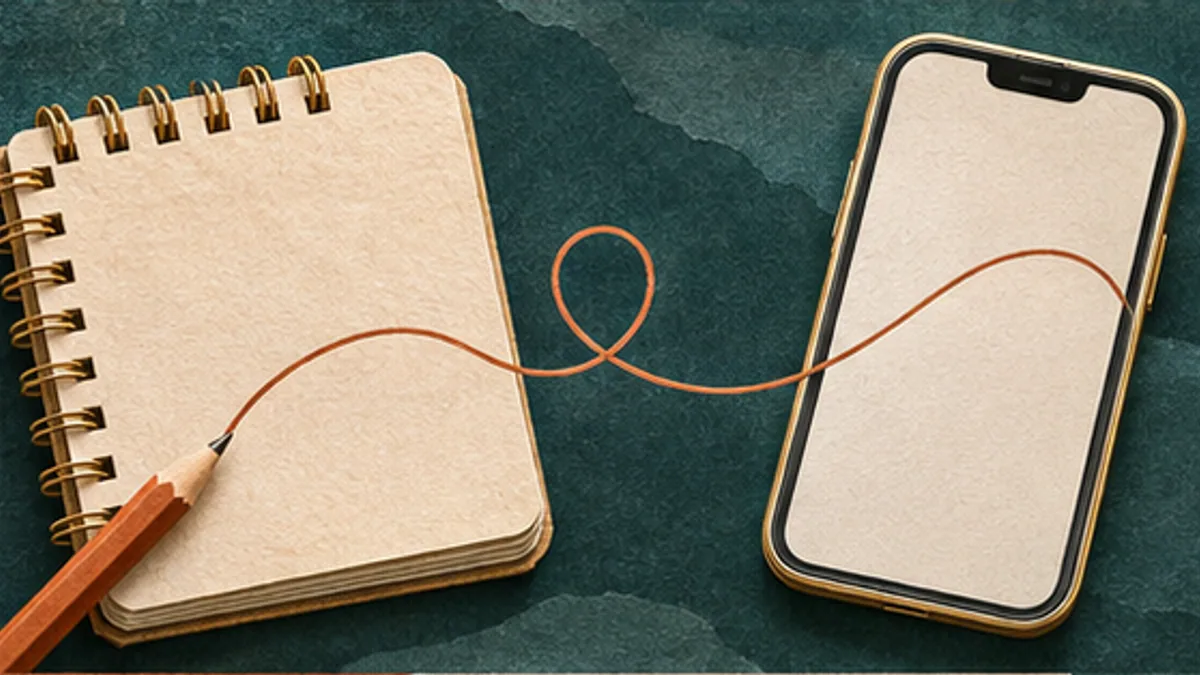
A field may contain a new edit while the device stores an older draft and the server holds an older version again. Model those states explicitly instead of displaying “saved” whenever a timer fires. If the product supports local recovery, explain its limits. A person should not assume a draft is available on another device merely because the current phone has written it to local storage.
Save at useful boundaries
A debounce can reduce repeated writes while typing, but it should not be the only protection. Consider transitions such as leaving a screen or moving the app to the background, within the platform's actual lifecycle limits. Avoid promising that a final network request will complete after the operating system suspends the app. Keep sensitive content in storage appropriate to its classification and clear it according to the product's account and retention rules.
Offer a recognizable recovery
When the person returns, show the recovered draft with enough context to identify the task and its last saved time. Decide how an old local draft interacts with a newer server record. Do not silently replace one with the other. A clear comparison or a deliberate choice is often better than a mysterious form that appears to have reverted. Keep recovery scoped to the correct account, especially on shared devices.
Test interruption as the normal case
Type a partial draft, lose connectivity, switch apps, terminate the process, and sign back in. Repeat with the server accepting the save just before the connection fails. Check that retries do not create duplicate records and that the final submission resolves any draft state. The useful test is whether the person's work can be understood and recovered, not simply whether an autosave function was called on schedule.